Free Image Compressor: Reduce File Size Without Losing Quality
Is Your Website Loading Slow Because of Huge Images?
5MB photos from your camera. 3MB screenshots from your design tool. 2MB product images that take forever to load.
Your website crawls. Visitors bounce. Google ranks you lower.
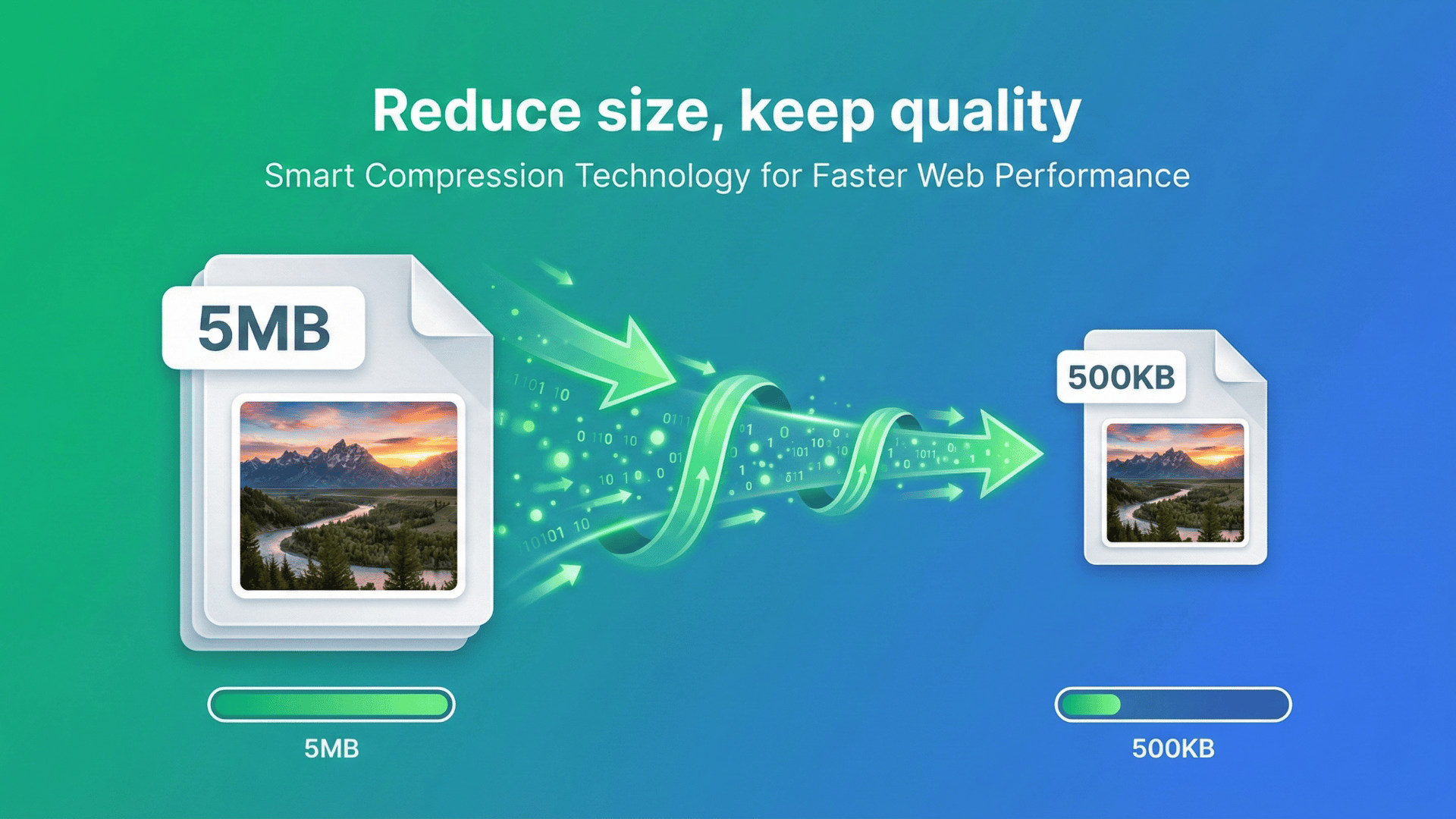
The fix? Compress those images. A 5MB photo can become 500KB without looking different to the human eye. Your site loads faster, users are happier, Google is happier.
Let's show you exactly how to compress images without making them look like trash.
Why Compress Images?
Faster Website Loading
Images make up 50%+ of most websites' size. Compress them, and your site loads 2-3x faster.
Better Mobile Experience
Mobile users on slow connections need lightweight images. Every KB saved is loading time reduced.
Lower Bandwidth Costs
Hosting providers charge for bandwidth. Smaller images = lower hosting bills.
Better SEO Rankings
Google prioritizes fast-loading sites. Image compression directly improves your Core Web Vitals score.
Email-Friendly Attachments
Most email providers limit attachment size (25MB max). Compress images to share easily.
Understanding Image Formats
Different formats compress differently. Here's what you need to know:
JPG / JPEG
Best for: Photos, images with lots of colors
Compression: Lossy (removes some data)
Typical size: Medium
Transparency: No
Best use: Product photos, photography, social media posts
PNG
Best for: Graphics, logos, images needing transparency
Compression: Lossless (keeps all data) or lossy
Typical size: Large
Transparency: Yes
Best use: Logos, icons, graphics with text, screenshots
WebP
Best for: Modern web use (all types)
Compression: Both lossy and lossless
Typical size: 25-35% smaller than JPG/PNG
Transparency: Yes
Best use: Website images, e-commerce, anywhere modern browsers are used
GIF
Best for: Simple animations, very simple graphics
Compression: Lossless but limited to 256 colors
Typical size: Can be large for animations
Transparency: Yes (basic)
Best use: Animated graphics, memes
AVIF
Best for: Next-gen web images
Compression: Excellent (better than WebP)
Typical size: 50% smaller than JPG
Transparency: Yes
Best use: Cutting-edge websites, future-proofing
How Image Compression Works
Lossless Compression
Removes metadata and optimizes how data is stored. Same image, smaller file. Like reorganizing a messy closet—same clothes, less space.
Good for: PNG logos, graphics, screenshots
Typical savings: 10-30%
Lossy Compression
Removes data your eyes can't easily detect. Slightly lower quality, much smaller file.
Good for: JPG photos, WebP images
Typical savings: 50-80%
The sweet spot: 80-90% quality setting gives massive file size reduction with minimal visible quality loss.
Step-by-Step: Compress Your Images
Step 1: Upload Your Images
Drag and drop images (JPG, PNG, WebP, GIF, AVIF) or click to browse. Supports batch compression—upload multiple images at once.
Step 2: Choose Compression Type
Auto (Recommended): Automatically selects best settings for your image type
Target File Size: Compress to specific size (50KB, 100KB, 200KB, etc.). Perfect for "compress image to 50KB" or "reduce to 100KB" needs
Quality Level: Choose compression strength (Low, Medium, High quality)
Lossless: Maximum quality, smaller file size reduction
Step 3: Preview Results
Side-by-side comparison shows:
- • Original file size (e.g., 5.2 MB)
- • Compressed size (e.g., 487 KB)
- • Compression ratio (90% reduction)
- • Visual quality preview
Zoom in to check if quality is acceptable.
Step 4: Download Compressed Images
Individual download: One at a time
Bulk download: All compressed images as ZIP
Format conversion option: Compress JPG to WebP, PNG to JPG, etc.
Compression Tips by File Size Goal
Compress to 50KB or Less
Use cases: Email attachments, thumbnails, avatars
Best format: JPG at 60-70% quality
Starting size: Works best from 200KB-1MB originals
Pro tip: Resize dimensions first (e.g., 800x600), then compress
Compress to 100KB
Use cases: Social media, blog post images
Best format: JPG at 75-80% quality or WebP at 80%
Starting size: Works from 500KB-3MB originals
Pro tip: 100KB is the sweet spot for web images
Compress to 200KB
Use cases: Product photos, gallery images
Best format: JPG at 85% quality or WebP at 85-90%
Starting size: Works from 1MB-5MB originals
Pro tip: Great balance between quality and file size
Compress for Web (General)
Target: Under 200KB per image
Best formats: WebP (first choice), JPG (fallback)
Resize: Max 1920px width for desktop, 1200px for mobile
Format-Specific Compression Tips
JPG/JPEG Compression
PNG Compression
WebP Compression
GIF Compression
Common Compression Questions
Will compressing images reduce quality?
It depends. Lossless compression maintains perfect quality. Lossy compression (JPG, WebP) reduces quality slightly, but at 80-90% quality settings, the difference is usually invisible to the human eye.
Can I compress images multiple times?
Technically yes, but don't. Each lossy compression degrades quality. Compress once from the original, not repeatedly.
What's the best format for web images?
WebP is the best modern choice (smaller files, good quality, browser support). Use JPG as a fallback for older browsers.
How much can I compress without losing noticeable quality?
For JPG: 80-85% quality is the sweet spot (50-70% file size reduction, minimal visible loss).
For PNG: Lossless compression saves 10-30%.
For WebP: 80% quality looks like JPG 90% but at 25-35% smaller size.
Should I resize before compressing?
Yes! If you're displaying a 500px wide image, don't upload a 5000px original. Resize first, then compress. This gives the best file size reduction.
Can I compress PNG to 20KB?
Depends on the original. Simple logos and graphics can compress to 20KB. Complex images with lots of detail probably can't without severe quality loss.
Is there a limit to how many images I can compress?
With our tool, no. Compress unlimited images for free.
Will compression affect image dimensions?
No. Compression reduces file size, not pixel dimensions. To change dimensions, you need to resize (we have a separate tool for that).
Bulk Compression for E-Commerce
Got 100+ product photos to compress? Batch processing is your friend.
Workflow:
- 1. Upload all images at once
- 2. Choose target quality or file size
- 3. Let batch processing run
- 4. Download all as ZIP
Time saved: Compressing 100 images takes ~1 minute vs. hours manually.
The Bottom Line
Images slow down websites. Compressed images load fast, look great, and keep visitors happy.
Whether you need to compress to 50KB for email, 100KB for social media, or just reduce a 5MB photo for web use, the process is the same: upload, compress, download. No watermarks. No signup. No limits. Just faster images.
Ready to Compress Your Images?
Reduce image file sizes without quality loss—free, unlimited, all formats supported.
Compress Images NowYour images process locally in your browser. Complete privacy guaranteed.