Free QR Code Generator: Create Custom QR Codes Online (No Signup)
Need a QR Code But Don't Want to Sign Up for Yet Another Tool?
You need a QR code for your restaurant menu, business card, WiFi password, or event ticket. You Google "QR code generator" and find a dozen tools—all requiring signups, limiting free codes, or slapping watermarks on everything.
Annoying, right?
Here's the thing: QR codes are just data encoded into a scannable image. Creating them should be simple, free, and private. No accounts. No limits. No BS.
Let's show you how to generate any type of QR code you need in under 30 seconds.
What Can You Actually Put in a QR Code?
QR codes aren't just for websites. Here's what you can create:
📱 WiFi QR Codes
Your guests scan it, instantly connect to WiFi. No typing long passwords. Perfect for cafes, Airbnbs, offices, or home.
💼 Business Card QR Codes
All your contact info (phone, email, website, social media) in one scannable code. Way better than carrying paper cards.
🍕 Restaurant Menu QR Codes
Link directly to your digital menu. Post-COVID, this became standard—and it's staying.
🎟️ Event Ticket QR Codes
Event details, ticket validation, or RSVP links. Scan at the door, boom, you're in.
📧 Email & SMS QR Codes
Pre-filled email or text message. Scan to send feedback, contact support, or leave a review.
🔗 Website & Social Media QR Codes
Instagram, TikTok, YouTube, your website—whatever you want people to visit instantly.
💬 WhatsApp QR Codes
Pre-filled WhatsApp message. Scan to start a WhatsApp chat instantly with a pre-written message.
📍 Location QR Codes
Embed GPS coordinates or addresses. Opens in Google Maps or Apple Maps for instant directions.
📅 Event & Calendar QR Codes
Add events directly to calendar. Include title, location, date, time, and description. One scan to save the event.
₿ Bitcoin Payment QR Codes
Bitcoin payment requests with wallet address, amount, label, and message. Perfect for accepting crypto payments.
📇 MeCard (Japanese Contact Format)
Japanese-standard contact format. Alternative to vCard with name, phone, email, and more. Popular in Asia.
Why Use Our QR Code Generator?
Completely Free (Actually Free)
No "free trial" that turns into a paid plan. No watermarks. No limits on how many codes you create. Just free.
All QR Code Types in One Place
WiFi, URLs, business cards, emails, SMS, phone numbers, text—all in one tool. No hunting for different generators.
Custom QR Codes with Logos
Add your logo to the center of the QR code. Still scans perfectly, but looks way more professional.
No Signup Required
We hate forced signups as much as you do. Upload, generate, download. Done.
Privacy Protected
Your data isn't sent to our servers. QR codes generate in your browser. We don't see what you're encoding.
High-Quality Downloads
Download as PNG, SVG, or PDF. Print-ready quality. Use them anywhere.
How to Create a QR Code (Step-by-Step)
Step 1: Choose QR Code Type
Pick what you want your QR code to do (13 types available):
- URL - Link to a website
- Text - Display plain text
- Email - Pre-filled email with subject/message
- Phone - Click-to-call number
- SMS - Pre-filled text message
- WhatsApp - Pre-filled WhatsApp message
- vCard - Digital business card (international)
- MeCard - Japanese contact format
- Location - GPS coordinates or address
- WiFi - Auto-connect to WiFi network
- Event - Add calendar event to phone
- Bitcoin - Cryptocurrency payment request
- Custom - Artistic QR with background image
Step 2: Enter Your Information
Depending on type:
- URL: Paste your link
- WiFi: Enter network name and password
- vCard: Fill in contact details (name, phone, email, website)
- Email: Enter email address and optional subject/message
Step 3: Customize (Optional)
Add your logo:
Upload a small logo (PNG or JPG). It sits in the center. QR codes have built-in error correction, so they still scan perfectly.
Choose colors:
Black and white works best for scanning. But you can customize foreground and background colors if needed.
Adjust size:
Pick dimensions based on where you'll use it. Business card? Smaller. Poster? Larger.
Step 4: Generate & Preview
Click "Generate QR Code." Your code appears instantly.
Test it: Use your phone's camera to scan right on screen. Make sure it works before printing.
Step 5: Download
Choose your format:
- PNG - For websites, social media, digital use
- SVG - For printing, scaling without quality loss
- PDF - Ready to print
Download. Done. No watermarks, no signup nag screens.
Design & Customization Options
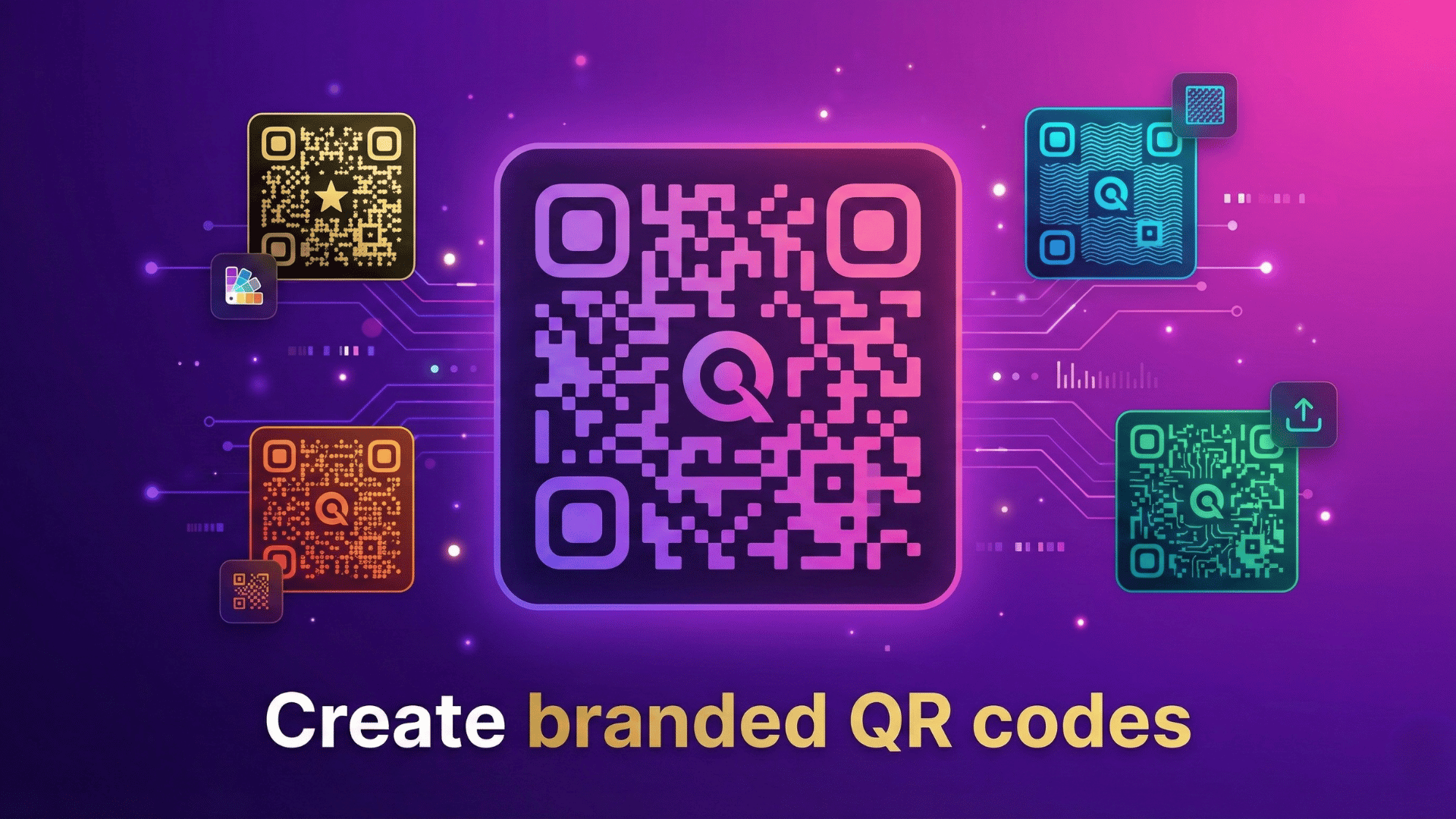
Our QR generator offers professional design options to make your QR codes stand out while maintaining perfect scannability.
QR Code Body Shapes (Module Patterns)
Choose from 6 different body shapes to customize the QR code modules:
■ Square
Classic, high reliability
⬜ Rounded
Softer, modern look
● Dots (Circle)
Elegant, distinctive
◆ Mosaic
Artistic, decorative
||| Vertical Bars
Linear, tech-style
≡ Horizontal Bars
Alternative linear
Eye Frame Shapes (Corner Patterns)
Customize the three corner eye patterns (frame and center):
⬜ Square
Standard format
⬜ Rounded
Smooth corners
◯ Circle
Round eyes
◆ Mosaic
Decorative eyes
||| Vertical Bars
Striped pattern
≡ Horizontal Bars
Horizontal lines
Color & Gradient Options
Solid Colors
Choose any foreground (QR code) and background color. Black on white is most reliable, but you can use brand colors.
Gradient Colors
Apply linear or radial gradients to your QR code. Choose two colors for smooth color transitions. Perfect for brand matching.
Logo & Branding
Upload your logo (PNG, JPG, SVG) to embed in the center of the QR code. The tool automatically:
- Positions logo optimally in the center
- Scales logo to safe size (won't break scanning)
- Uses error correction to maintain 100% scannability
- Supports transparent backgrounds
Error Correction Levels
Choose error correction level based on your needs:
- L (Low - 7%): Smallest QR code, less damage recovery
- M (Medium - 15%): Balanced size and reliability
- Q (Quartile - 25%): Good for adding small logos
- H (High - 30%): Best for logos, handles more damage (recommended)
Size & Export Formats
Custom Size
Choose QR code dimensions from 200px to 2000px. Adjustable border (quiet zone) from 0-10 modules.
Export Formats
- PNG: Best for web, social media, digital use
- SVG: Vector format, scales infinitely (perfect for print)
- PDF: Print-ready document format
Custom Artistic QR Codes
Upload a background image to create stunning artistic QR codes. The QR pattern overlays your image while maintaining scannability. Perfect for creative marketing, posters, and social media.
QR Code Best Practices
Keep URLs Short
Long URLs create dense, complex QR codes that are harder to scan. Use URL shorteners if needed.
Test Before Printing
Always scan your QR code on multiple devices before mass-printing. Better to catch errors early.
Add a Call-to-Action
Put text near the QR code: "Scan for Menu," "Scan for WiFi," "Scan for Discount." People need to know why they're scanning.
Size Matters
Minimum size: 2cm x 2cm (about 0.8 inches). Smaller than that? Hard to scan. For billboards viewed from afar? Go bigger.
High Contrast is Key
Black on white works best. Avoid low-contrast colors (light gray on white, dark blue on black).
Don't Over-Customize
Yes, you can make colorful QR codes with logos. But don't go crazy. If scan reliability drops below 95%, dial it back.
Common QR Code Questions
Q: Do QR codes expire?
Static QR codes (like ours) never expire. They're permanent. As long as the link/info is valid, the code works forever.
Q: Can I track scans?
Our free QR codes are static (no tracking). For tracking, you'd need dynamic QR codes with analytics—usually a paid feature from other services.
Q: Will adding a logo break the QR code?
Nope. QR codes have 7-30% error correction built in. A small logo in the center scans fine. We optimize placement automatically.
Q: What's the difference between static and dynamic QR codes?
Static: Data is encoded directly in the code. Can't be changed after creation. Free, permanent, no tracking.
Dynamic: Code links to a URL you control. You can change the destination later and track scans. Usually paid.
Q: Can I create QR codes for free commercial use?
Yes. Our QR codes have no usage restrictions. Use them for business cards, menus, products, marketing—whatever you want.
Q: How much data can fit in a QR code?
Up to ~4,000 characters. But practical limit is much lower for easy scanning (around 200-300 characters).
Q: Will this work for my restaurant/cafe menu?
Absolutely. Create a URL QR code pointing to your online menu. Print it on table tents or stickers.
Creative Uses for QR Codes
Contactless Payments: Link to your PayPal, Venmo, or payment page
Portfolio Showcase: Link to your work, Behance, or personal site
Product Information: Detailed specs, instructions, or videos
Feedback Forms: Quick Google Form or survey access
App Downloads: Direct link to App Store or Google Play
Virtual Business Cards: All contact info in one scan
Event RSVPs: Link to registration or RSVP form
Real Estate Listings: Property details and virtual tours
The Bottom Line
QR codes are everywhere now—and they should be easy to create. No signup forms, no limitations, no watermarks ruining your design.
Whether you're running a restaurant, networking at events, setting up guest WiFi, or marketing your business, QR codes make things simple. Scan, access, done.
Ready to Create Your QR Code?
Generate unlimited free QR codes with our all-in-one QR code maker—no signup, no watermarks, complete privacy.
Create QR Code NowYour data encodes locally in your browser. We never see it. That's how it should be.